
No products in the cart.
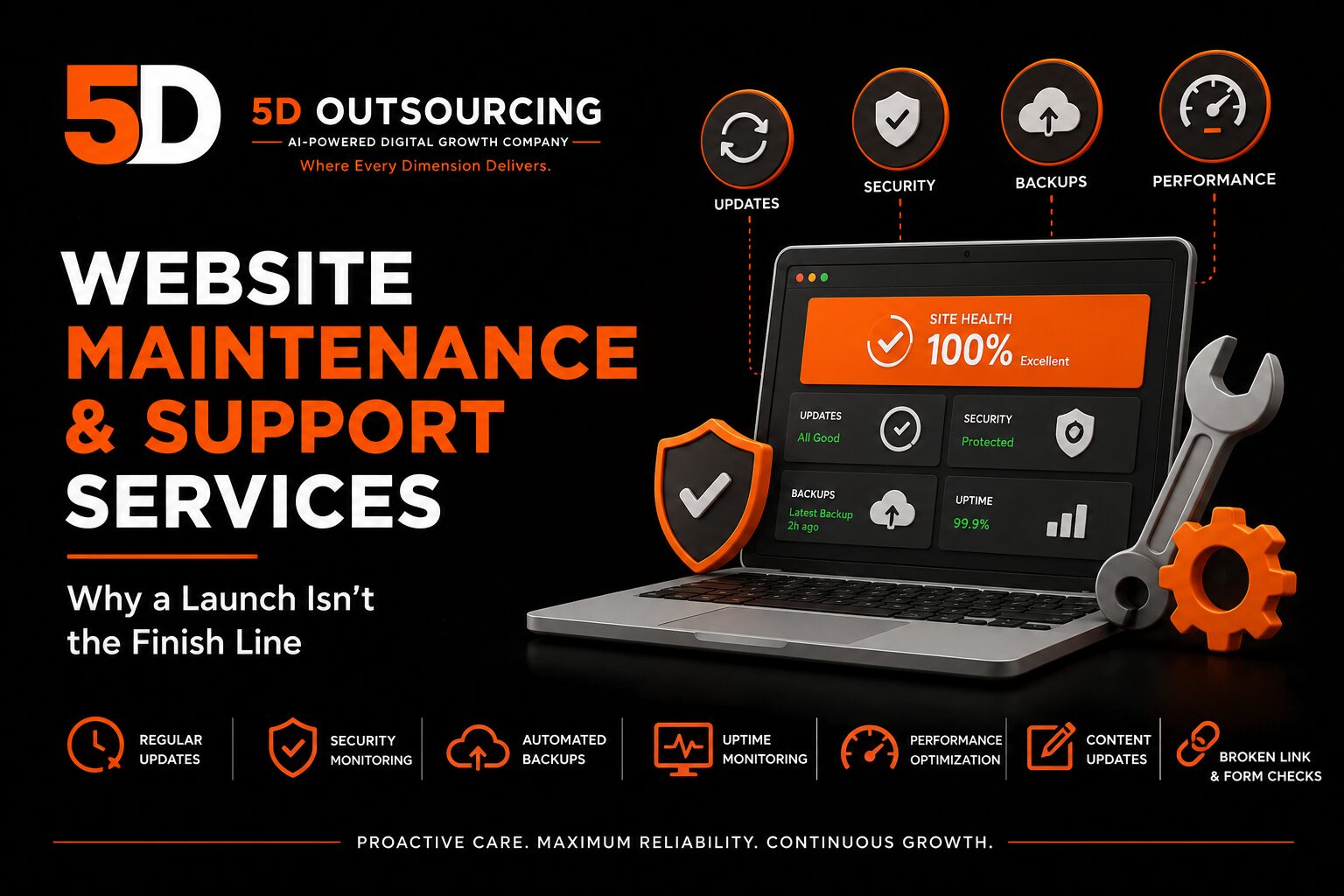
Website Maintenance & Support Services: Why a Launch Isn’t the Finish Line
Launching a website feels like the finish line. In reality, it’s the starting point of an ongoing responsibility that most businesses underestimate until something breaks — a plugin update that conflicts with the theme, a security vulnerability that goes unpatched for months, a broken contact form nobody noticed because no one was checking. A website that isn’t actively maintained doesn’t stay the same; it slowly degrades, becomes a security risk, and eventually starts costing the business leads it would otherwise be generating.
At 5D Outsourcing, website maintenance and support sits alongside the build work covered in our website design and development services, our WordPress website development services, and our WooCommerce development services. This article explains what ongoing maintenance actually involves, why it matters more than most businesses realize, and what a proper maintenance plan should include.
Why Websites Need Ongoing Maintenance
A website isn’t a static asset that stays exactly as it was built. It’s running software — a content management system, plugins or extensions, a theme, a hosting environment — and every one of those components changes over time, whether the business is paying attention or not.
Security vulnerabilities are discovered continuously
WordPress and other content management systems, along with their plugins and themes, regularly have security vulnerabilities discovered and patched. A site running outdated plugins or an unpatched core version is a meaningfully easier target for automated attacks — not a hypothetical risk, but one of the most common ways small business websites get compromised.
Updates can break things if applied carelessly — or left unapplied
This creates a real tension: applying updates without testing can break a site if a plugin update conflicts with the theme or another plugin, but avoiding updates entirely leaves known security vulnerabilities open. Proper maintenance means applying updates in a controlled way — on a staging environment first where possible — rather than either ignoring updates or applying them blindly to a live site.
Content and links degrade over time
Pages get moved or removed, external sites referenced in old content go offline, and forms occasionally stop submitting correctly without anyone noticing until a lead complains — or more often, until a lead simply gives up and doesn’t complain at all. None of this shows up unless someone is actively checking.
Performance drifts without anyone touching the design
Page speed can degrade gradually as content, images, and plugins accumulate over time, even without a single deliberate change to the site. A site that loaded quickly at launch can quietly slow down over months of routine content additions if nothing is done to keep it optimized.
What a Real Maintenance Plan Should Include
Core, plugin, and theme updates
Regular updates to the CMS core, plugins, and theme — tested before being applied to the live site, not pushed blindly — are the baseline of any maintenance plan. This is the single most direct way to close the security gaps that accumulate on an unmaintained site.
Security monitoring and hardening
Beyond updates, ongoing security work includes monitoring for suspicious activity, maintaining firewall rules, and applying hardening measures that reduce the site’s exposure to common attack patterns — not a one-time setup task but an ongoing responsibility as new threats emerge.
Automated, tested backups
Regular backups are only useful if they’re actually restorable. A maintenance plan should include automated backups on a sensible schedule, stored somewhere separate from the live server, with periodic verification that a restore actually works — not just an assumption that it does.
Uptime monitoring
Sites can go down for reasons that have nothing to do with content or design — a hosting issue, a server resource limit, a misconfigured update. Uptime monitoring alerts the business the moment a site goes offline, rather than relying on a customer or visitor to notice and report it.
Performance checks and optimization
Periodic performance reviews — checking page speed, image optimization, and caching configuration — catch the gradual performance drift that happens as a site accumulates content over time. This connects directly to the technical performance work covered in our dedicated website speed and performance optimization services, distinct from maintenance but often bundled alongside it for sites that need both.
Content updates and minor changes
Many maintenance plans include a set number of hours or requests per month for minor content updates — text changes, new team member additions, updated pricing — giving businesses a way to keep their site current without needing to go through a full project engagement for small changes.
Broken link and form checks
Periodic checks for broken internal and external links, along with functional testing of contact forms and other key conversion points, catch the kind of quiet failures that otherwise go unnoticed until a lead is lost.
Maintenance vs. a One-Time Redesign
Maintenance and redesign solve different problems. A website redesign is the right choice when a site’s structure, design, or platform is fundamentally outdated and needs to be rebuilt. Maintenance is what keeps a site — whether newly built or recently redesigned — secure, functional, and performing well in the months and years between major projects. Skipping maintenance doesn’t avoid the cost; it just defers it, usually in the form of a more expensive emergency fix or an earlier-than-necessary redesign once the site has degraded enough to need one.
Why Maintenance Matters for SEO
Search engines factor in signals that maintenance directly affects — page speed, uptime, broken links, and overall site health all connect to the technical foundations covered in our technical SEO audit checklist. A site that’s slowly degrading technically, even without any visible design changes, can lose search visibility gradually and invisibly — a risk that’s easy to overlook because nothing about the site’s appearance seems to have changed.
What Website Maintenance Typically Costs in Egypt
Maintenance plans are generally priced as a recurring monthly or annual fee rather than a one-time project cost, reflecting the ongoing nature of the work — updates, monitoring, and backups don’t stop once, they continue for as long as the site is live. Scope and pricing should account for site complexity (a WooCommerce store with active transactions needs closer attention than a simple brochure site), hosting environment, and how much content-update support is included. For a general framework on how website project costs are structured, see our website development cost guide, noting that maintenance is typically scoped and priced separately from the initial build.
Common Mistakes Businesses Make With Website Maintenance
- Treating the website as finished the moment it launches, with no ongoing plan at all
- Applying plugin and core updates automatically with no testing, risking a broken live site
- Never verifying that backups are actually restorable until a crisis forces the question
- No uptime monitoring, meaning downtime is only discovered when a customer complains
- Letting performance drift unchecked as content accumulates over months or years
- Assuming a hosting provider’s basic infrastructure monitoring covers application-level security and updates, which it generally doesn’t
Frequently Asked Questions
How often should a website be updated?
Core, plugin, and theme updates should be reviewed regularly — often monthly at minimum, with security-critical patches applied sooner — tested before being pushed to the live site rather than applied automatically without review.
Do I need a maintenance plan if my website rarely changes?
Yes. Security vulnerabilities and software updates happen regardless of whether the visible content changes, and an inactive-looking site can still be running outdated, vulnerable software underneath.
What’s the difference between maintenance and hosting?
Hosting provides the server infrastructure a site runs on. Maintenance covers the software running on that infrastructure — CMS updates, plugin management, backups, and monitoring — and the two are complementary rather than interchangeable. See our web hosting and domain services for the infrastructure side of this.
How do I know if my backups actually work?
A backup should be periodically tested with an actual restore, not just assumed to be functional because the backup process completed without an error message.
Is maintenance different for a WooCommerce store versus a standard business site?
Yes. Stores handling active transactions, payment integrations, and inventory generally need closer monitoring and more frequent testing than a standard brochure site, given the higher cost of downtime or a broken checkout flow — see our WooCommerce development services for the platform this builds on.
How 5D Outsourcing Approaches Website Maintenance
5D Outsourcing provides ongoing website maintenance and support for businesses in Cairo and across Egypt, whether we built the original site or not. Our maintenance work typically includes:
- Tested core, plugin, and theme updates on a regular schedule
- Security monitoring and hardening to reduce exposure to common attack patterns
- Automated, verified backups stored separately from the live server
- Uptime monitoring with alerts if the site goes offline
- Periodic performance checks connected to our broader website performance work
- Content update support and broken link/form checks
This sits alongside our broader website design and development services and connects to our core digital marketing and AI Search capability, giving businesses a way to protect and extend the value of a website investment long after launch.
Leave a Reply