
No products in the cart.
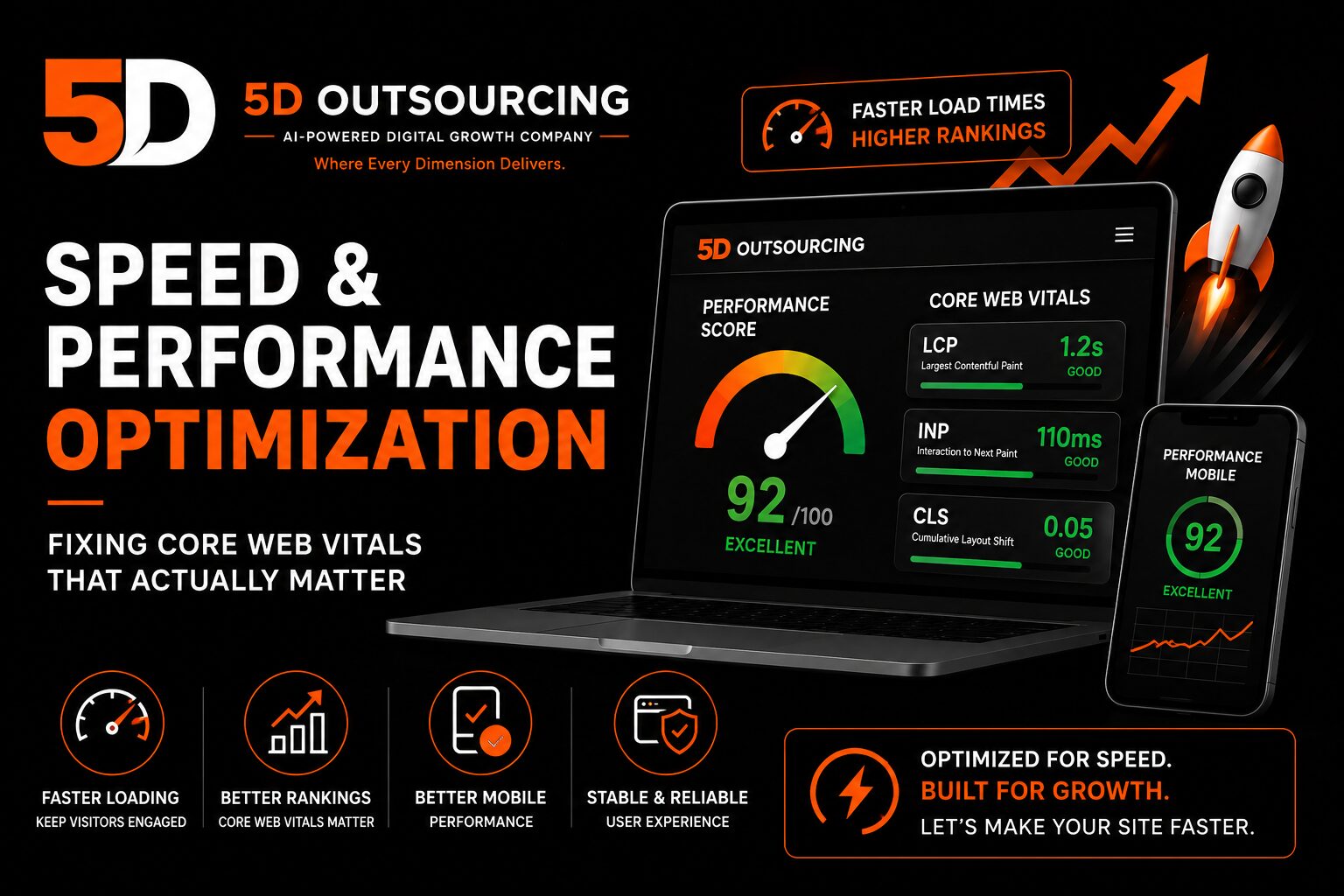
Website Speed & Performance Optimization: Fixing Core Web Vitals That Actually Matter
A website can have great design, clear messaging, and strong calls to action, and still lose a meaningful share of visitors before any of that has a chance to matter — because the page took too long to become usable. Speed and performance optimization is a distinct technical discipline from UX and conversion design. It’s not about whether a page is laid out well; it’s about whether the browser can load, render, and respond to that layout fast enough for a visitor to stick around and interact with it at all.
This is a technical execution service that sits alongside our broader website work — the website design and development services we build sites with, our ongoing website maintenance and support, and the conversion-focused work covered in our UX optimization for conversions guide. This article explains what Core Web Vitals actually measure, why performance issues quietly cost businesses leads and rankings, and what a proper speed optimization service needs to fix.
Speed Optimization vs. UX/CRO: A Different Problem
Our UX optimization guide covers how layout, navigation, and page structure affect whether a visitor converts once a page has loaded. Speed and performance optimization addresses what happens before that — whether the page even finishes loading in a state a visitor can meaningfully interact with. A page can have flawless UX design and still perform poorly if the underlying code, images, hosting, or third-party scripts are slowing it down. The two disciplines are complementary, not interchangeable, and a site genuinely needs both.
What Core Web Vitals Actually Measure
Core Web Vitals are Google’s specific, measurable metrics for real-world page loading experience — not a vague notion of “the site feels slow,” but three concrete numbers that can be diagnosed and fixed individually.
Largest Contentful Paint (LCP): how fast the main content appears
LCP measures how long it takes for the largest visible element on the page — often a hero image or headline — to render. A slow LCP usually points to unoptimized images, slow server response time, or render-blocking resources delaying the page from displaying its main content.
Interaction to Next Paint (INP): how responsive the page feels
INP measures how quickly the page responds when a visitor actually interacts with it — clicking a button, opening a menu, submitting a form. A page that loads visually but then feels sluggish or unresponsive to clicks usually has a JavaScript execution problem, often from too many or poorly optimized third-party scripts running at once.
Cumulative Layout Shift (CLS): whether the page jumps around while loading
CLS measures visual stability — how much content unexpectedly shifts position as a page loads, like an image pushing text down after the rest of the page has already rendered. This is one of the most frustrating performance problems for visitors, since it can cause misclicks and makes a site feel unpolished even when the underlying content is fine.
Why Performance Issues Cost More Than They Appear To
Visitors abandon slow pages before they ever see your content
A slow-loading page loses visitors at the exact moment they’re deciding whether your business is worth their attention — before your headline, your offer, or your call to action has even had a chance to make its case. No amount of strong copywriting or design fixes a visitor who left before the page finished rendering.
Core Web Vitals are a search ranking factor
Google has confirmed Core Web Vitals as part of its page experience ranking signals, meaning performance issues can quietly suppress search visibility even when content and on-page SEO are otherwise strong — connecting directly to the technical foundations covered in our technical SEO audit checklist.
Performance degrades gradually, without any deliberate change
As covered in our website maintenance guide, performance can quietly drift downward over months as content, plugins, and third-party integrations accumulate — meaning a site that scored well at launch may not still be performing well a year later without periodic checks.
Mobile performance often lags behind desktop
Mobile devices generally have less processing power and often slower network connections than desktop, which means a site that performs acceptably on desktop can perform noticeably worse on the mobile devices that make up a large share of most businesses’ actual traffic.
What a Real Speed Optimization Service Addresses
Image optimization
Unoptimized images are one of the most common causes of slow LCP scores. Proper optimization means compressing images without visible quality loss, serving appropriately sized images for the device requesting them, and using modern formats where supported — not simply uploading full-resolution photography straight from a camera or stock library.
Caching and content delivery
Server-side and browser caching reduce how much work has to be repeated on every page load, while a content delivery network (CDN) serves static assets from servers geographically closer to the visitor — both directly reducing load times, particularly for visitors accessing a Egypt-hosted site from other regions.
Code minification and reduction
Minifying and combining CSS and JavaScript files, and removing unused code where possible, reduces the amount of data a browser has to download and process before it can render the page — a technical cleanup task that’s easy to overlook once a site has been live and iterated on for a while.
Third-party script auditing
Chat widgets, analytics tools, marketing pixels, and embedded content all add JavaScript execution weight, and it’s common for sites to accumulate more third-party scripts over time than anyone realizes. A proper performance audit reviews what’s actually running, what’s still needed, and what can be removed, deferred, or loaded only when actually required.
Hosting and server response time
No amount of front-end optimization compensates for slow server response time (Time to First Byte). Hosting quality — server resources, geographic location relative to the primary audience, and whether the hosting environment is properly configured — is a foundational performance factor that has to be right before other optimizations can have their full effect. This connects directly to the infrastructure covered in our web hosting and domain services.
Lazy loading and render prioritization
Loading below-the-fold images and content only as a visitor scrolls toward them, rather than all at once on initial page load, reduces the work the browser has to do upfront — directly improving both LCP and overall perceived speed.
Layout stability fixes
Reserving space for images and dynamically loaded content before it actually loads prevents the layout-shifting behavior that CLS measures, usually through explicit size attributes and careful handling of any content that loads asynchronously.
How Performance Is Measured
Lab-based tools like Google PageSpeed Insights simulate page loads under controlled conditions and are useful for diagnosing specific issues, but they don’t necessarily reflect how real visitors experience the site. Google’s Chrome User Experience Report (CrUX) captures real-world field data from actual visitors, which is what ultimately feeds into Core Web Vitals as a ranking signal — meaning a proper performance audit should look at both lab diagnostics and real-world field data, not lab scores alone.
Performance Optimization and Mobile Traffic
Given how much traffic across most businesses now comes from mobile devices, performance optimization should be evaluated and tested on mobile specifically, not assumed to follow desktop results automatically. A site that scores well on desktop can still underperform on mobile due to network conditions and device processing power that lab tools don’t always fully replicate.
What Website Speed Optimization Typically Costs in Egypt
Speed optimization is generally scoped as either a one-time audit-and-fix engagement or an ongoing service bundled with maintenance, depending on how actively a site’s content and integrations continue to change after the initial fix. For a general framework on how website-related project costs are structured, see our website development cost guide, with performance work scoped separately based on the specific issues identified in an initial audit.
Common Mistakes in Website Performance Optimization
- Optimizing based only on a single lab test score without checking real-world field data
- Compressing images so aggressively that visible quality suffers, or not compressing them at all
- Adding third-party scripts over time with no periodic review of what’s actually still needed
- Testing performance only on desktop despite mobile making up the majority of traffic
- Treating a one-time performance fix as permanent, with no ongoing monitoring as the site continues to change
- Underestimating how much hosting quality and server response time limit what front-end optimization can achieve
Frequently Asked Questions
What are Core Web Vitals?
Core Web Vitals are Google’s specific metrics for real-world page loading experience — Largest Contentful Paint (loading speed), Interaction to Next Paint (responsiveness), and Cumulative Layout Shift (visual stability) — used as part of Google’s page experience ranking signals.
Does website speed actually affect search rankings?
Yes. Google has confirmed Core Web Vitals as part of its page experience signals, meaning performance issues can suppress search visibility even when a site’s content and on-page SEO are otherwise strong.
Why does my website feel slow on mobile but not desktop?
Mobile devices generally have less processing power and often slower network conditions than desktop, meaning the same page can render noticeably slower on mobile even without any difference in the code being served.
Is speed optimization a one-time fix or an ongoing service?
Performance can degrade gradually as content, plugins, and third-party scripts accumulate over time, so many businesses treat it as an ongoing service alongside regular website maintenance rather than a single fix-and-forget project.
How is speed optimization different from UX optimization?
Speed optimization addresses whether a page loads and responds quickly enough to be usable at all. UX optimization addresses how well a page is designed to guide and convert a visitor once it’s loaded. Both matter, and neither compensates for the other — see our UX optimization guide for the conversion-focused side of this.
How 5D Approaches Website Performance Optimization
5D provides website speed and performance optimization for businesses in Cairo and across Egypt, whether we built the original site or not. Our performance work typically includes:
- A full Core Web Vitals audit combining lab diagnostics and real-world field data
- Image optimization, lazy loading, and layout stability fixes
- Caching, CDN, and hosting configuration review
- Code minification and third-party script auditing
- Mobile-specific performance testing, not just desktop
- Ongoing monitoring available alongside our website maintenance and support services
This sits alongside our broader website design and development services and connects to our core digital marketing and AI Search capability, since a technically fast site is a prerequisite for the SEO, PPC, and conversion work built on top of it.
Server and hosting setup also shape performance. Hosting, domain and SSL for business websites are available through our web hosting and domain service.
Examples of websites 5D has built, and the work behind them, are in our case studies.