
No products in the cart.
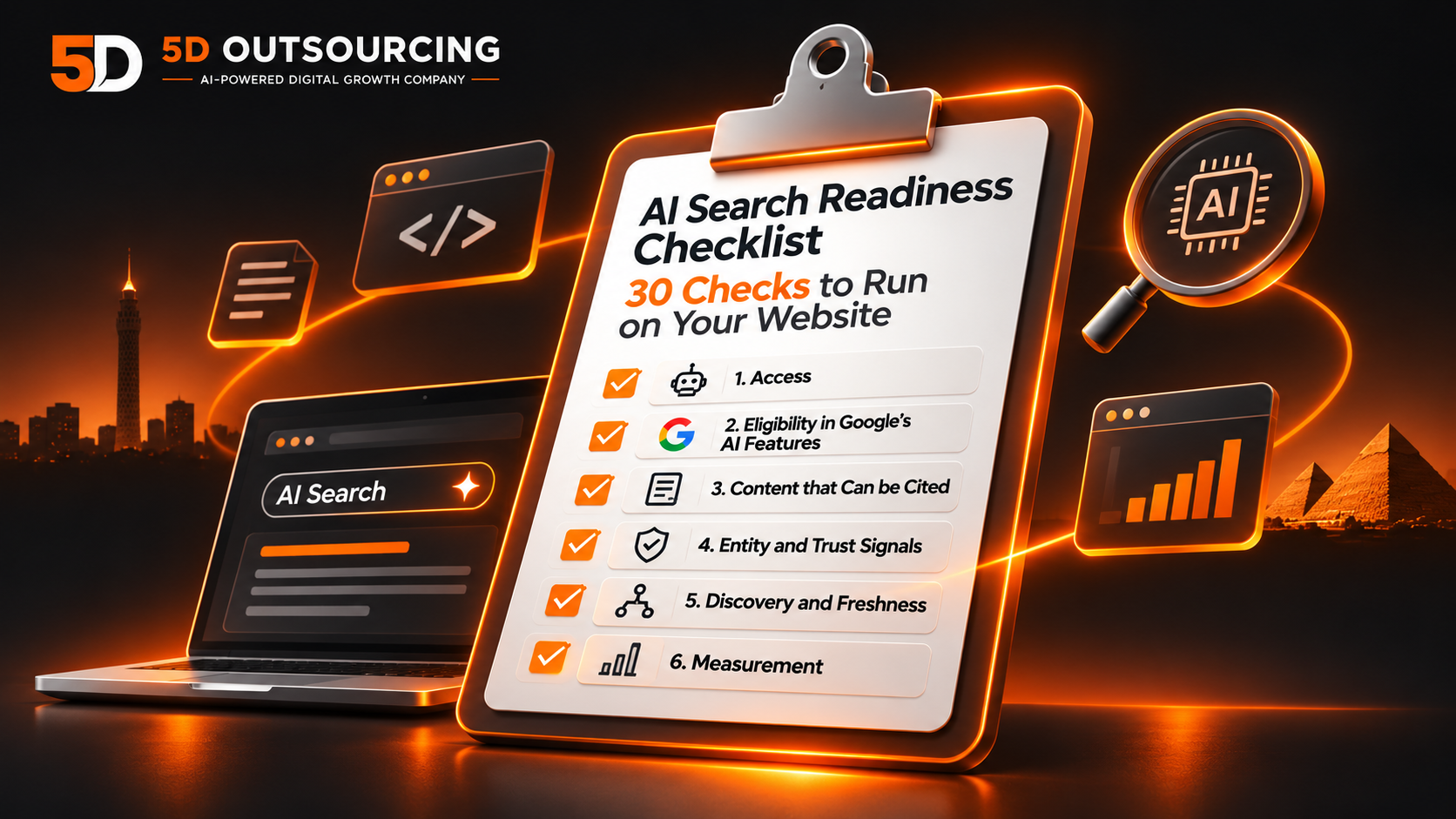
AI Search Readiness Checklist: 30 Checks to Run on Your Website
Most “AI search” problems are not AI problems. A page blocked in robots.txt, a firewall that turns crawlers away, a snippet setting someone forgot to remove: each can keep a good page out of AI answers, and each takes minutes to check. This checklist puts those checks, and the content and measurement checks around them, in one place.
It has 30 checks in six groups. You can tick them on the page, see a result as you go, and print the list or save it as a PDF. It is free and needs no sign-up. It is written for the owner or marketer who wants to know where a site stands, and for the developer who has to fix what is found. If you want the longer, step-by-step guide, read our AI search optimization checklist. This page is the self-check version.
How to Use This Checklist
Every check carries one of two labels. Official guidance means the check comes from a document published by Google, Microsoft or the AI vendor, and the link beside it goes to that page. 5D practice means it is our own working rule, not a platform requirement, and you are free to disagree with it. A rule from Google and our habit are not equally binding, so the labels keep them apart.
Work from group 1 downward. If crawlers cannot reach your pages, or Google has not indexed them, the later groups do not matter yet. The bar at the top shows a result as you tick. It counts only how many of our checks you ticked. It is not a score from any platform, and a high result does not predict citations. Your ticks stay in your browser on this device. We count how often the checklist is started, completed or printed, but not which items you tick.
The AI Search Readiness Checklist
1. Access: can AI crawlers reach your pages?
Each AI product uses its own crawler, so allowing one does not allow another.
0 of 6 done
Open /robots.txt and confirm that no Disallow rule covers the pages you want found.
Official guidanceGoogle: AI features and your website
Bot protection can block a crawler even when robots.txt allows it. Google names CDN and hosting infrastructure in its AI features guidance.
Official guidanceGoogle: AI features and your website
OpenAI describes OAI-SearchBot as the crawler for its ChatGPT search features, and sites that opt out of it as not shown in ChatGPT search answers.
Official guidanceOpenAI: Overview of OpenAI crawlers
Perplexity says PerplexityBot is designed to surface and link websites in its search results, and recommends allowing it in robots.txt.
Official guidancePerplexity: Crawlers
Anthropic says disabling Claude-SearchBot may reduce your site’s visibility and accuracy in user search results.
Official guidanceAnthropic: The Claude crawler
GPTBot and ClaudeBot are described by their vendors as separate from the search crawlers above. Allowing or blocking them is a decision to make, not a default to leave.
Official guidanceOpenAI: Overview of OpenAI crawlers
2. Eligibility in Google’s AI features
Google says there are no extra technical requirements beyond being eligible to appear in Search with a snippet.
0 of 6 done
Test them with the URL Inspection tool in Search Console. Google says a page must be indexed and eligible to be shown with a snippet.
Official guidanceGoogle: AI features and your website
Google says nosnippet also stops content being used as a direct input for AI Overviews and AI Mode, and max-snippet limits how much may be used.
Official guidanceGoogle: Robots meta tag and data-nosnippet
In Search Console open Settings, then Search generative AI. Google says Include is the default, and that excluded content is not used as input for AI responses.
Official guidanceSearch Console Help: Search generative AI control
Google lists verification as the way to find and diagnose technical issues, and the AI report lives there.
Official guidanceGoogle: AI features and your website
Google says to keep them up to date. Check hours, address, phone and categories.
Official guidanceGoogle: AI features and your website
Google says markup must match what the page shows. It also says no special schema is needed for AI features.
Official guidanceGoogle: AI features and your website
3. Content that can be cited
Google asks for helpful, people-first content. No marker on a page replaces that.
0 of 6 done
Prices, services and answers should be readable text, not only an image.
Official guidanceGoogle: AI features and your website
Google’s AI guide recommends organizing content into paragraphs and sections with headings.
Official guidanceGoogle: Optimizing for generative AI features
Google asks for a unique point of view or first-hand experience, and warns against content that “could easily be produced by a generative AI model.”
Official guidanceGoogle: Optimizing for generative AI features
Google warns that pages built mainly to manipulate results for query variations can violate its scaled content abuse policy.
Official guidanceGoogle: Optimizing for generative AI features
Google lists reducing duplicate content in its guidance for generative AI features.
Official guidanceGoogle: Optimizing for generative AI features
Out-of-date prices or services mislead readers however they find you. Review key pages on a schedule and show real dates.
5D practice
4. Entity and trust signals
Platforms give little official detail here, so most of these checks are 5D practice, not requirements.
0 of 5 done
Compare your site, Google Business Profile and directories.
5D practice
Name the team, roles and experience you can prove.
5D practice
Say who it is for, what is included and what is not.
5D practice
Use real client results, with permission. Do not publish reviews written in invented voices.
5D practice
Google says each language version must list itself and all others, and that links must be reciprocal or the tags are ignored.
Official guidanceGoogle: Localized versions of your pages
5. Discovery and freshness
Help crawlers find new and changed pages.
0 of 4 done
Bing asks for lastmod values that reflect the true last change. Submit the sitemap in Search Console and in Bing Webmaster Tools.
Official guidanceBing: Sitemaps in AI-powered search
Bing’s AI Performance announcement names IndexNow as a way to tell participating search engines about added, updated or removed content.
Official guidanceBing: AI Performance in Bing Webmaster Tools
Google lists internal links as a way to make your content findable.
Official guidanceGoogle: AI features and your website
Show an update date only when the content really changed.
5D practice
6. Measurement
These reports exist, but each has limits.
0 of 3 done
It shows impressions only, by page, country, date and device, for AI Overviews and AI Mode. Google says Discover has a separate report.
Official guidanceSearch Console Help: Generative AI performance report
In public preview since February 2026. Microsoft says it shows citations in Copilot, AI summaries in Bing and select partner integrations.
Official guidanceBing: AI Performance in Bing Webmaster Tools
Ask ChatGPT, Gemini, Perplexity and Google ten questions your customers ask, record whether you are cited, and repeat monthly. Answers can differ between runs, so treat it as a sample.
5D practice
Three Things the Official Pages Say That People Get Wrong
You do not need special files or markup for Google’s AI features. Google’s AI features page says there are no additional requirements to appear in AI Overviews or AI Mode, and that no special schema or AI text files are needed. A page must be indexed and eligible to be shown with a snippet. That is why groups 1 and 2 come first.
A snippet setting can switch your page out of AI answers. Google says the nosnippet rule also stops content being used as a direct input for AI Overviews and AI Mode, and that max-snippet limits how much can be used. A rule added years ago to control a search snippet may still be doing this.
Allowing one AI crawler does not allow the others. OpenAI, Perplexity and Anthropic each publish their own crawler names and say what each one is for. A robots.txt rule written for one of them does nothing for the rest. The same pages also state that search crawlers and training crawlers are different, so decide about each on purpose.
What You Can Measure Today
Google’s Generative AI performance report in Search Console shows impressions only, by page, country, date and device, for AI Overviews and AI Mode. It does not show clicks from those features, and Google says Discover has a separate report. Bing’s AI Performance report in Bing Webmaster Tools has been in public preview since February 2026 and, per Microsoft, shows citations in Copilot, Bing AI summaries and select partner integrations. Neither report covers ChatGPT or Perplexity, so the monthly question test in group 6 is the only way to sample those. For how to run that test properly, see our guide to measuring AI search visibility.
What a Checklist Cannot Do
A checklist finds what is missing. It does not judge whether your content is better than a competitor’s, and it cannot tell you whether an AI product will cite you. We also did not measure how often each check fails on real sites, so the order and the number of checks reflect the official pages we read and our own practice, not a study.
There are limits on our sources too. We could read OpenAI’s crawler page only through a summary, so the two OpenAI items are paraphrased: check its current wording before editing robots.txt. We did not verify Bing’s position on llms.txt. We found no search volume for the phrase “AI search readiness checklist” in Egypt or Saudi Arabia, which means this page answers a question people may be asking in other words. The entity and trust group is mostly our own practice, because the platforms say little about it. For the thinking behind that group, read our entity optimization guide and AI search ranking factors.
How 5D Can Help
If you tick fewer boxes than you expected, you do not have to fix them alone. Our AI search audit runs these checks on your site and reports what a crawler and an AI answer actually see. If you already know what is wrong, AI search implementation turns the list into work, and AI search consulting helps you choose what to do first. Prices depend on scope, so message us on WhatsApp or through the contact page and we will quote against your site.
Planning a new site? Run the website launch checklist before it goes live, because several checks above are far cheaper to build in than to retrofit. The technical SEO audit checklist also covers the crawl and index checks in more depth.
Need help acting on your results? Explore our SEO package or our wider digital marketing services.
Frequently Asked Questions
What does AI search readiness mean?
In this checklist it means three things: AI and search crawlers can reach your pages, the pages are eligible to be shown with a snippet, and the content is clear and specific enough to be cited. It is not a platform metric. Google, Bing, OpenAI and Perplexity do not publish a readiness score.
Do I need an llms.txt file or special schema for Google’s AI features?
Google’s AI features guidance says there are no additional technical requirements beyond being indexed and eligible to show with a snippet, and that no special schema or AI text files are needed. We have not verified whether Bing or other AI products read such files, so we cannot confirm their position.
Should I block AI training crawlers?
It is a business decision, not a default. OpenAI and Anthropic describe their search crawlers and their training crawlers as separate, so blocking one does not block the other. Check each vendor’s crawler page for current names before you edit robots.txt.
Can ticking every check get my site cited by AI tools?
No. The checks remove common reasons a page cannot be found, indexed or shown. None of the platforms publish a rule that guarantees a citation, and answers can differ from one run to the next.
Sources
- Google: AI features and your website
- Google: Optimizing for generative AI features
- Google: Robots meta tag and data-nosnippet
- Search Console Help: Search generative AI control
- Search Console Help: Generative AI performance report
- Google: Localized versions of your pages
- OpenAI: Overview of OpenAI crawlers
- Perplexity: Crawlers
- Anthropic: The Claude crawler
- Bing: Sitemaps in AI-powered search
- Bing: AI Performance in Bing Webmaster Tools