
No products in the cart.
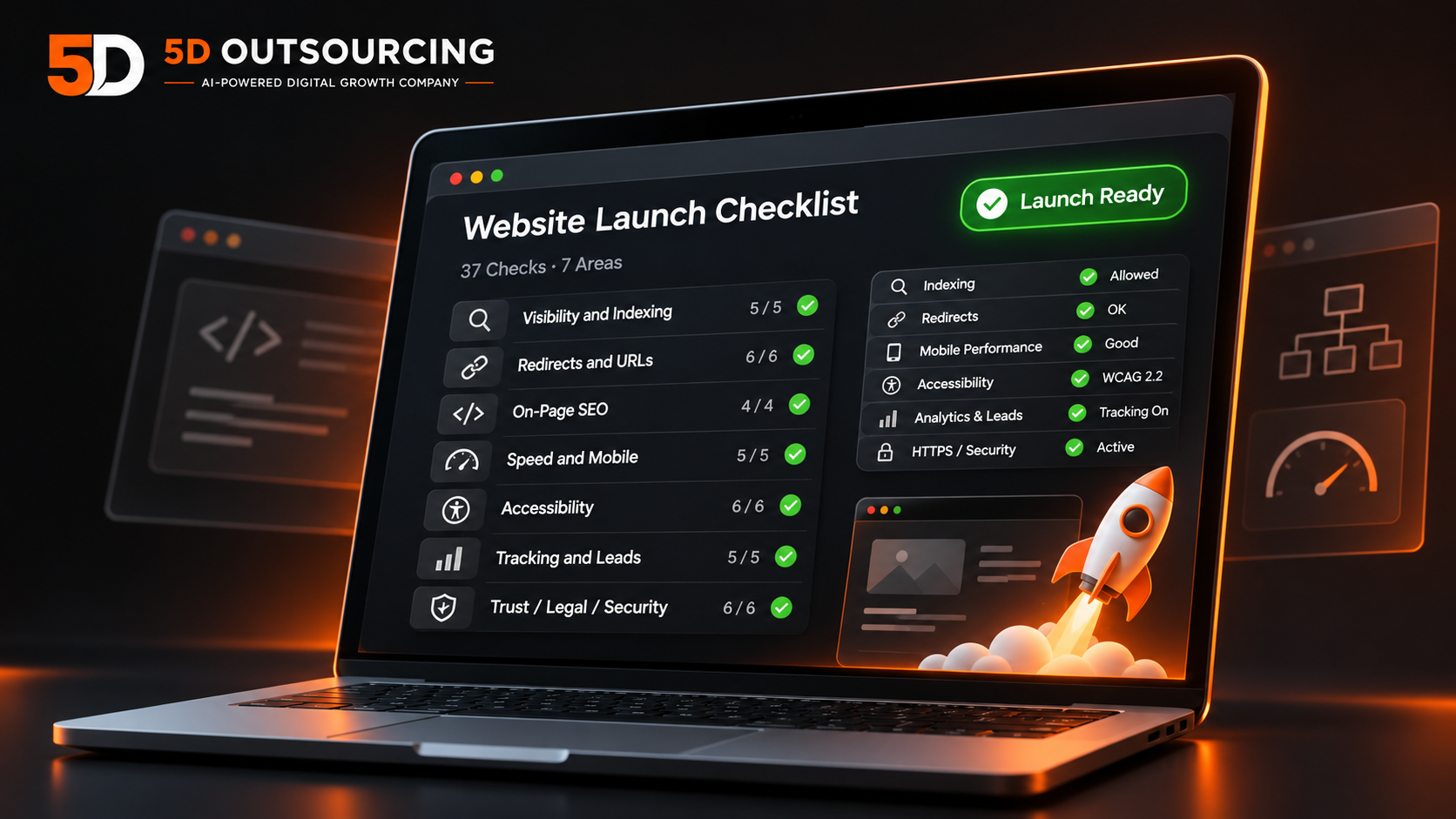
Website Launch Checklist: 37 Checks to Run Before Your Site Goes Live
Most launch problems are not design problems. A page left on noindex from staging, a redirect nobody mapped, a contact form that emails no one: each is easy to prevent and expensive to discover after visitors and Google have already arrived. A launch checklist exists to catch them first.
This page gives you one to use now. It has 37 checks in seven groups, and you can tick them off on the page, print them, or save them as a PDF. It is free and needs no sign-up. It is written for the owner or manager who signs off a new site and for the developer who hands it over. If you are replacing an existing site, read it next to our guide to website redesign services in Egypt, and plan website maintenance and support from day one.
How to Use This Checklist
Every check carries one of three labels, so you can weigh it. Official guidance means the check comes from a Google or W3C document we opened, and the link beside it goes to that page. Legal commentary means it comes from a law firm’s published analysis, not from the regulation itself. 5D practice means it is our own working rule, not a platform requirement, and you are free to disagree with it. A Google rule and our habit are not equally binding, and the labels keep them apart.
Most checks can be done on the staging site. Run the indexing, tracking and security checks again on the live domain within a day of launch, because staging cannot prove them. Skip the redirect group only if no URL changes. If any URL changes, treat it as required. Your ticks stay in your browser on this device. We count how often the checklist is started, completed or printed, but not which items you tick.
The Website Launch Checklist
1. Visibility and indexing
Make sure search engines can find the right pages, and only those.
0 of 5 done
Check the page source and response headers for a robots noindex tag or an X-Robots-Tag header.
Official guidanceGoogle: Block indexing
A page blocked in robots.txt cannot show its noindex rule, so use each one deliberately.
Official guidanceGoogle: Block indexing
Submit it in the Search Console Sitemaps report, or add a Sitemap line to robots.txt. It is a hint, not a guarantee.
Official guidanceGoogle: Build a sitemap
Google’s move guidance asks for a sitemap that contains the new URLs.
Official guidanceGoogle: Site moves with URL changes
You need both to see indexing errors after launch.
5D practice
2. Redirects and URLs
Required if any URL changes. If every URL stays the same, tick these as not applicable.
0 of 6 done
Decide where each old page goes before launch, not after traffic drops.
Official guidanceGoogle: Site moves with URL changes
Google recommends server-side permanent redirects from the old URLs to the new URLs.
Official guidanceGoogle: Site moves with URL changes
Send each old page to its closest equivalent.
5D practice
Change links on the new site from old URLs to new URLs so visitors skip the redirect.
Official guidanceGoogle: Site moves with URL changes
A custom error page that returns a 200 status is a soft 404.
Official guidanceGoogle: Troubleshoot crawling errors
Check the indexing and sitemap reports for errors, and keep redirects in place long term.
5D practice
3. On-page basics
What Google can show about each page.
0 of 4 done
Avoid repeated or boilerplate titles, and vague ones such as Home.
Official guidanceGoogle: Title links
Google may write its own snippet from the page content, so keep descriptions accurate.
Official guidanceGoogle: Snippets
Same content, titles, meta descriptions, structured data and robots tags.
Official guidanceGoogle: Mobile-first indexing
Mark up only what the page actually shows.
5D practice
4. Speed and mobile
Google’s good thresholds are met when 75% of page loads pass, segmented by mobile and desktop.
0 of 5 done
Largest Contentful Paint measures when the main content loads.
Official guidanceweb.dev: Web Vitals
Interaction to Next Paint measures responsiveness. Lighthouse cannot measure it.
Official guidanceweb.dev: Web Vitals
Cumulative Layout Shift measures unexpected movement while the page loads.
Official guidanceweb.dev: Web Vitals
Use the Search Console Core Web Vitals report once the site has real traffic.
Official guidanceweb.dev: Web Vitals
Large images often delay the main content.
5D practice
5. Accessibility (WCAG 2.2)
WCAG 2.2 adds nine success criteria to 2.1. These checks cover the basics and the new Level A and AA ones.
0 of 6 done
Large text needs 3 to 1 (SC 1.4.3, Level AA).
Official guidanceW3C: WCAG 2.2
SC 1.1.1: non-text content needs a text alternative that serves the equivalent purpose.
Official guidanceW3C: WCAG 2.2
SC 2.1.1: all functionality is operable through a keyboard interface.
Official guidanceW3C: WCAG 2.2
SC 2.4.11 Focus Not Obscured (Minimum), new in 2.2, Level AA.
Official guidanceW3C: What is new in WCAG 2.2
SC 2.5.8 Target Size (Minimum), new in 2.2, Level AA.
Official guidanceW3C: What is new in WCAG 2.2
SC 3.3.7 Redundant Entry, new in 2.2, Level A.
Official guidanceW3C: What is new in WCAG 2.2
6. Tracking and leads
Prove that every way a visitor can contact you works, and that you can see it.
0 of 5 done
Check in Tag Assistant that the tag is detected and sends events.
Official guidanceGoogle: Verify your Google tag
Mark lead events such as form submissions as key events, then confirm them in the Realtime report.
Official guidanceGoogle: Key event tutorial
Fill in each form yourself on desktop and mobile, then confirm the notification arrives.
5D practice
Tap each one on a real phone.
5D practice
Label tests clearly and filter them, or they will be counted as leads.
5D practice
7. Trust, legal and security
The checks owners forget because nothing shows on the page.
0 of 6 done
HTTPS on every page, no mixed content, and the http and www variants redirect to one address.
5D practice
CMS reports Egypt’s PDPL requires consent that is explicit, informed, specific and freely given. Not legal advice.
Legal commentaryCMS: Egypt PDPL executive regulations
CMS reports controllers and processors must notify the PDPC within 72 hours of learning of a breach.
Legal commentaryCMS: Egypt PDPL executive regulations
Name, address and phone are identical on the site, Google Business Profile and directories.
5D practice
Delete demo content and unused accounts, update plugins, and turn on two-factor sign-in for admins.
5D practice
Test one restore, turn on uptime monitoring and set domain auto-renew.
5D practice
Three Checks That Are Easy to Get Wrong
Speed is judged on real visitors, not one test. web.dev says a good threshold to measure is the 75th percentile of page loads, segmented across mobile and desktop, and that a page passes only if it meets the targets for all three Core Web Vitals. It also says only field measurement can capture the complete picture, which is why a single lab score on launch day proves little. The page adds that Lighthouse cannot measure INP.
noindex and robots.txt work against each other. Google says that for a noindex rule to be effective, the page must not be blocked by robots.txt. If it is blocked, the crawler never sees the rule, and the page can still appear in results if other pages link to it. A staging setup may use either one, so check both.
A friendly error page can be the wrong kind of error. Google defines a soft 404 as a URL that shows the user a page saying the content does not exist while returning a 200 success status. If you removed a page and have no replacement, Google says to return a 404 or 410. If it moved, return a 301 to the new address.
What a Checklist Cannot Do
A checklist finds what is missing. It does not judge quality, so a page can pass every check and still be unclear or slow to buy from. This one is also not based on a study of failed launches. We have not measured how often each item fails, so the order and the number of checks reflect Google and W3C guidance plus our own practice, not data.
The two legal items summarize a law firm’s commentary and are not legal advice. CMS Law reports that the executive regulations of Egypt’s Personal Data Protection Law were issued under Ministerial Decision 816/2025, and that on a strict reading the grace period ended on November 1, 2026. It also notes that the authority may treat the grace period as running to the end of 2026, and we cannot confirm which reading will apply. Have a data protection lawyer review your forms, cookies and hosting location.
The accessibility group is a starting set, not a conformance test. WCAG 2.2 is a W3C Recommendation that adds nine success criteria to 2.1, and passing six of them does not make a site conformant.
How 5D Can Help
If you want a second opinion before launch, send us the staging link on WhatsApp or through the contact page and we will tell you which checks it fails. Our published website offer is a standard static five-page website at 35,000 EGP per project, excluding VAT, which includes Year 1 hosting, domain, SSL and email. Hosting and domain then cost 6,000 EGP per year from Year 2. See the website design and development package for what is included, and our website development cost guide for what drives price.
For the checks that need more depth, read our guides to website speed and Core Web Vitals, the technical SEO audit checklist and on-page SEO.
Frequently Asked Questions
When should I run a website launch checklist?
Run most of it on the staging site before launch, then repeat the indexing, tracking and security checks on the live domain within a day. Staging cannot prove that the live tag fires, that the sitemap is submitted or that HTTPS works on every page.
What Core Web Vitals scores do I need?
web.dev lists good thresholds of 2.5 seconds or less for LCP, 200 milliseconds or less for INP and 0.1 or less for CLS, measured at the 75th percentile of page loads. A page passes if it meets all three.
Do I need redirects if I am only redesigning my site?
Only if URLs change. Google’s site move guidance covers URL changes and recommends mapping each old URL to a new one with server-side permanent redirects. If every URL stays the same, the redirect group does not apply.
Is a launch checklist legally required?
No. The privacy items summarize a law firm’s commentary on Egypt’s Personal Data Protection Law and are not legal advice. Ask a data protection lawyer what applies to your site.
Sources
- web.dev, Web Vitals
- Google Search Central, Block search indexing with noindex
- Google Search Central, Build and submit a sitemap
- Google Search Central, Site moves with URL changes
- Google Search Central, Troubleshoot crawling errors (soft 404 errors)
- Google Search Central, Influence your title links
- Google Search Central, Control your snippets
- Google Search Central, Mobile site and mobile-first indexing best practices
- W3C, Web Content Accessibility Guidelines (WCAG) 2.2
- W3C, What’s New in WCAG 2.2
- Google Analytics Help, Verify your Google tag
- Google Analytics Help, Measure a key event
- CMS, Egypt’s PDPL: Executive regulations issued (January 13, 2026)